

6 Cinematic Vibe presets
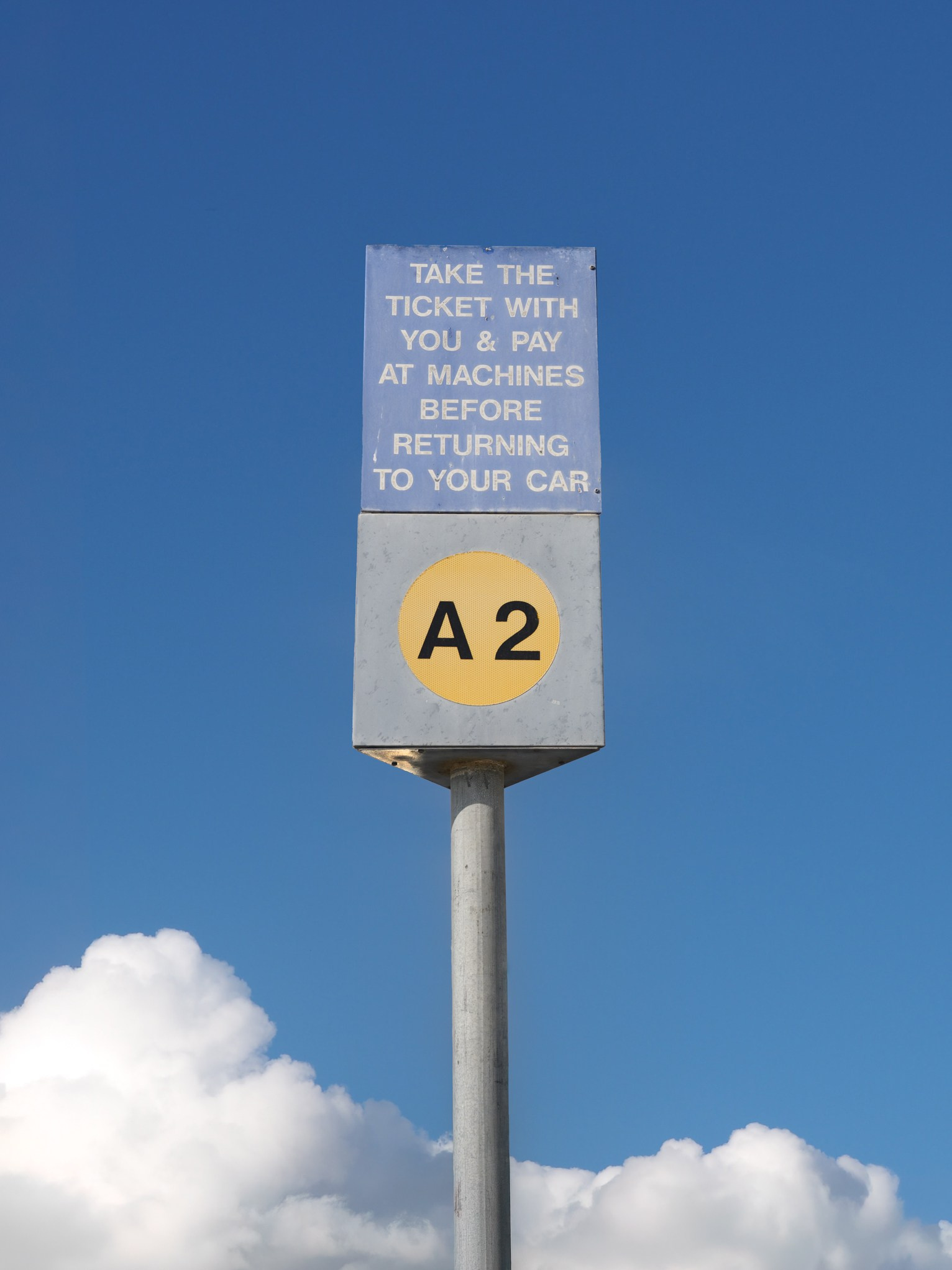
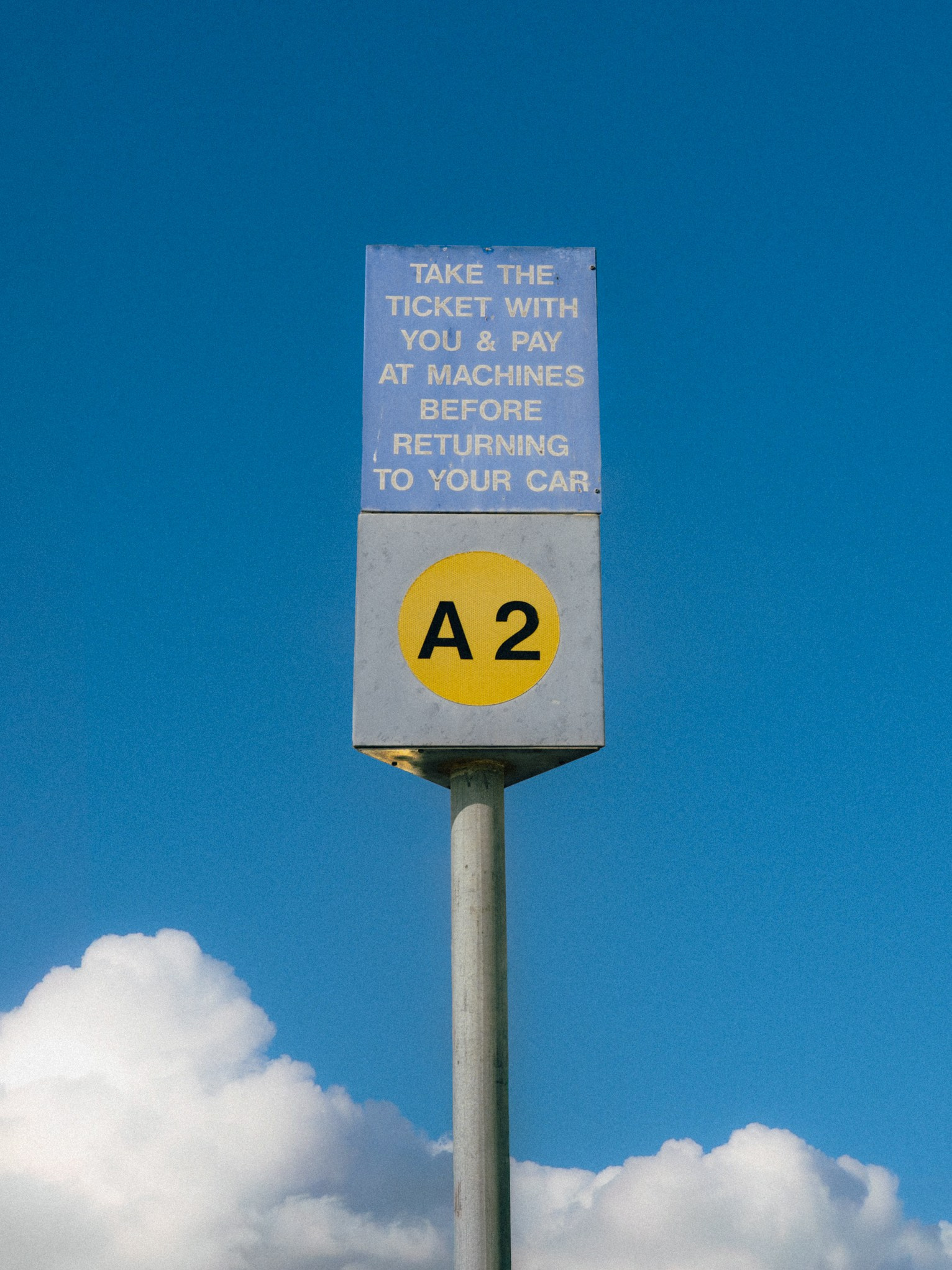
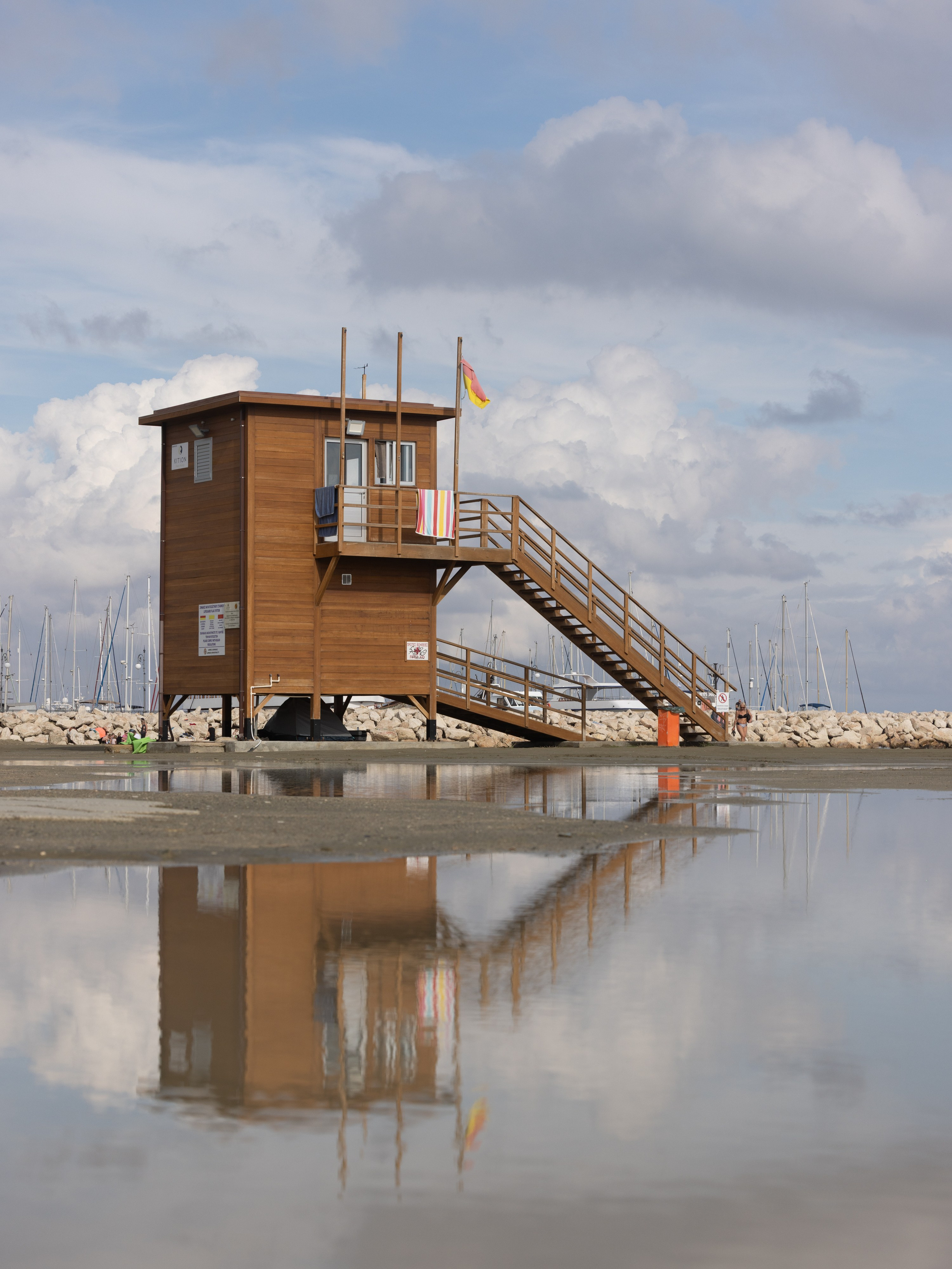
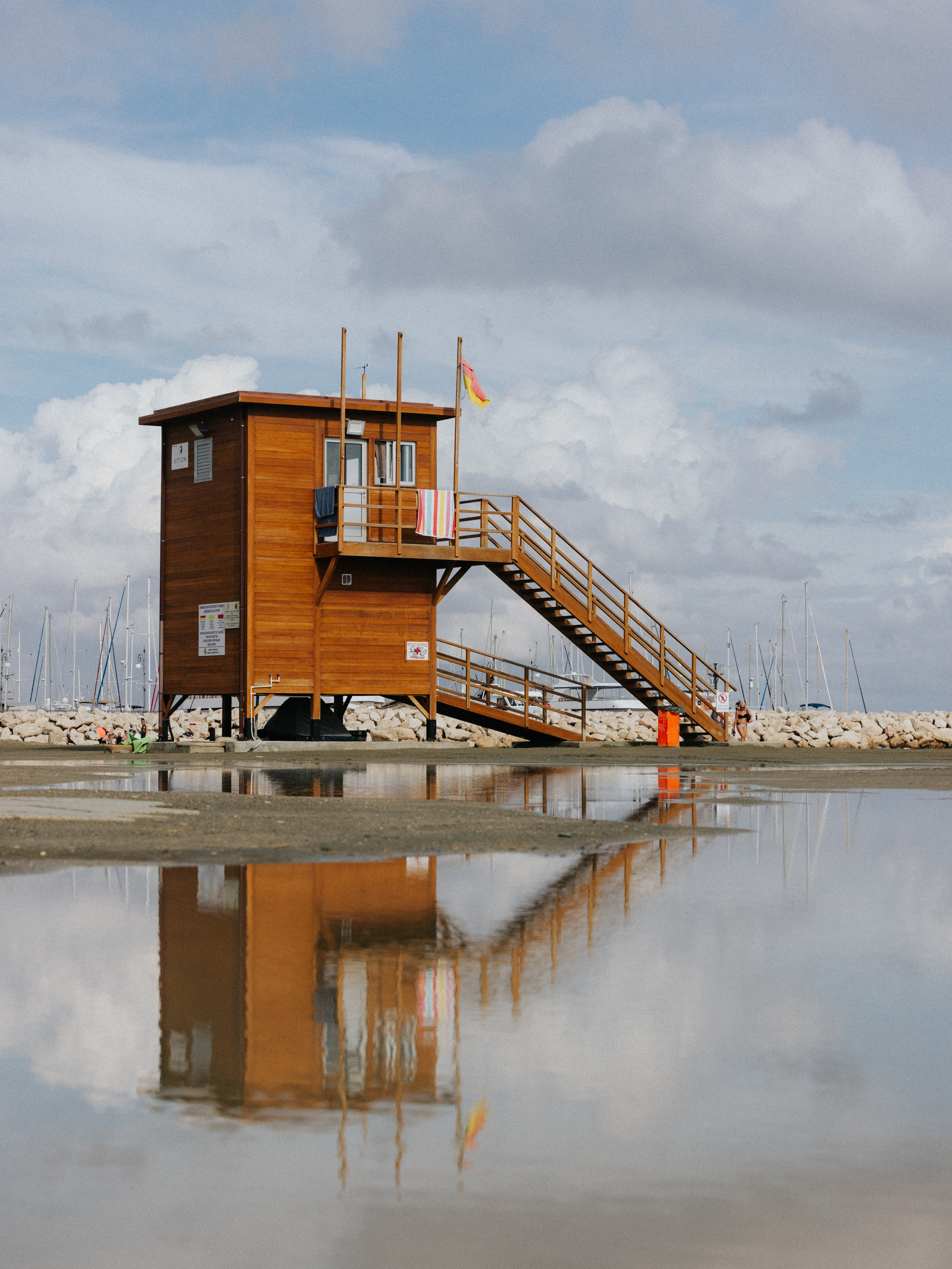
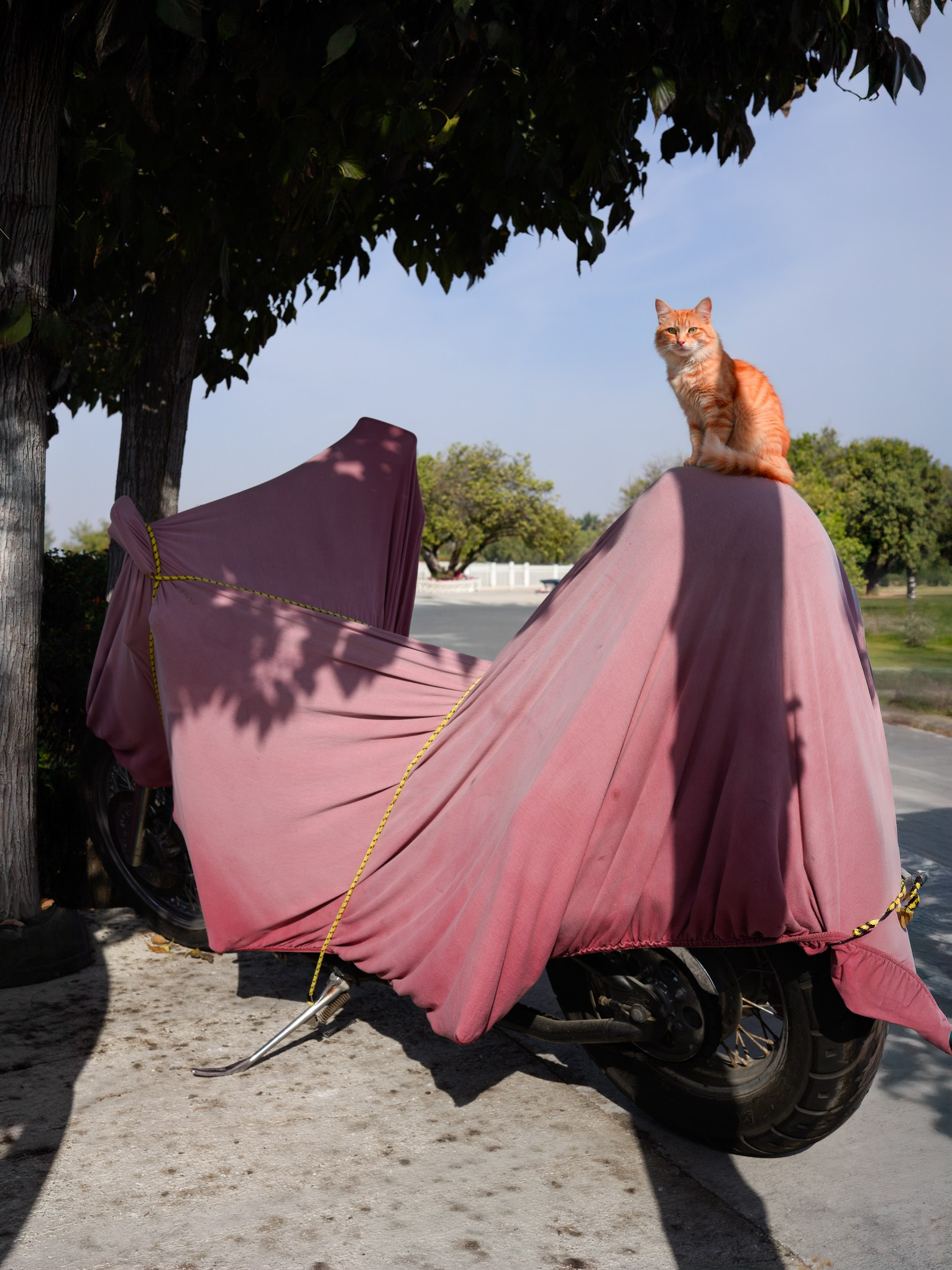
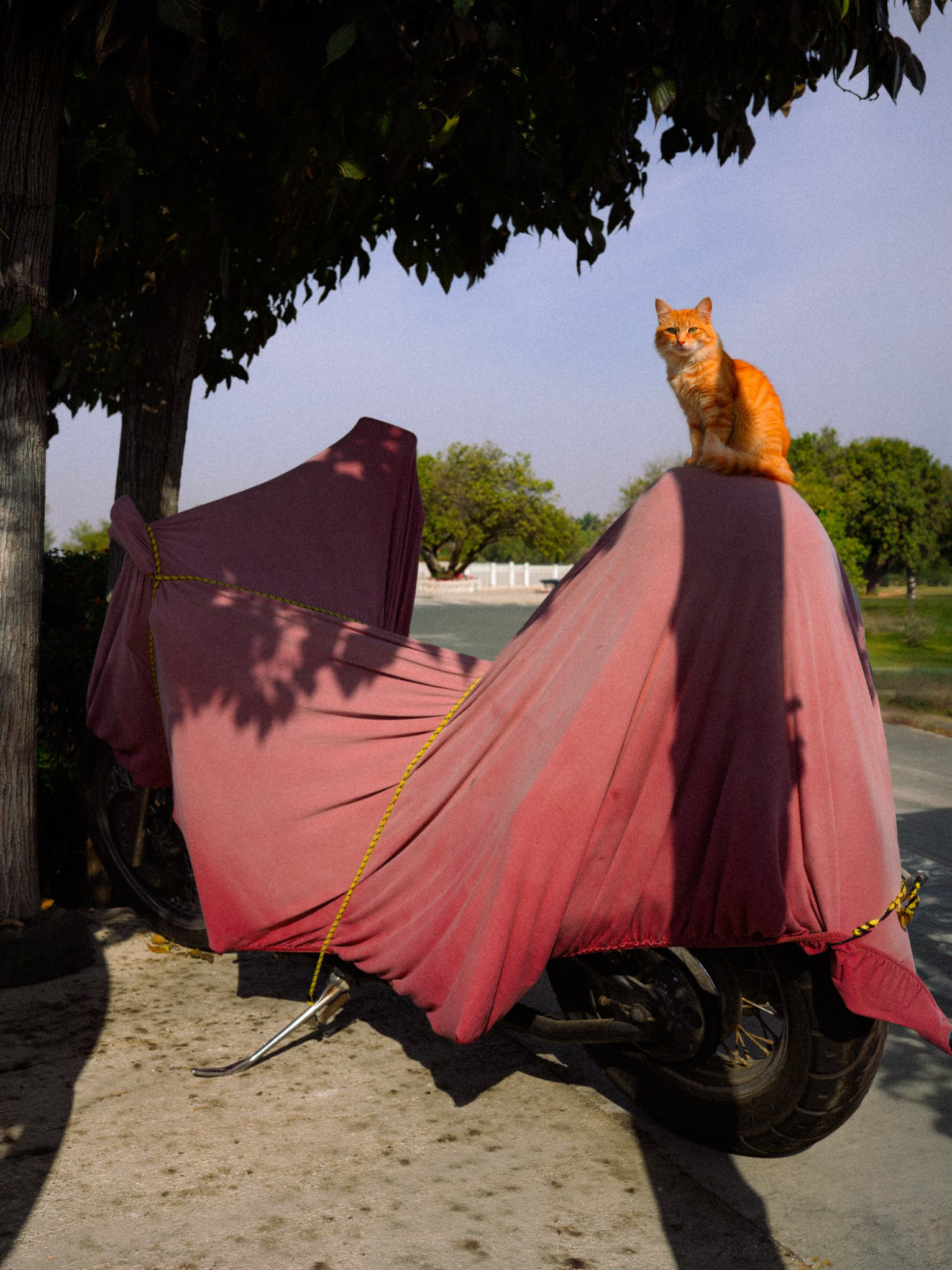
Cinema has always told stories through light, colour and mood. Cinematic Vibe brings that feeling to your photos with 6 free Lightroom presets: deep shadows, rich contrast and film-style colour grading.
Use them on travel, portraits, street or landscapes. It is the easiest way to try the Film & Grain Co. look, built from the same workflow I use on my own photos.
Works in Lightroom, Lightroom Classic and the free Lightroom mobile app.


F A Q
Answers to your questions
Happy to answer any questions about the presets!
How do I install the presets?
Lightroom Classic: in the Develop module, click + in the Presets panel and choose Import Presets. Lightroom desktop: open Edit, go to Presets, click ••• and choose Import Presets. Select the XMP preset files and you are ready to edit.
How do I use them on mobile?
Import the presets on desktop while signed in to your Adobe account and they sync to the free Lightroom mobile app. No desktop? Open a photo in the app, tap Presets, tap ••• and choose Import Presets.
How do I customise the presets?
Treat each preset as a starting point. Fix exposure and white balance first, then use the Amount slider to dial the look up or down to suit your light.
Do they work for black and white photos?
These packs are built for colour. A few looks convert nicely if you drop the saturation, but for true black and white I recommend a dedicated B&W preset.