


Bring a timeless film aesthetic to your photography
If you love a film-inspired aesthetic, soft contrast, rich tones, grain, and images that feel timeless, Film & Grain Co. Volume 1 is built for you.

- Instant download. Buy now and download whenever it suits you.
Included in Volume 1:
- 46 Film Looks
- 27 Base Adjustments
- 13 Cine Curves
- 14 Film Curves
- 10 Master Curves
- 6 Film Grain Presets
- 8 Frames
- Desktop & Mobile Compatibility
This pack is not just a collection of presets. It is a complete editing system that gives you the flexibility to shape your images the way you want, while keeping a strong film-driven look throughout. I build these presets from the same workflow I use on my own photos, and they are designed to help you create edits that feel cinematic, textured, soft, contrasty, and full of atmosphere.
Whether you shoot travel, street, portraits, landscapes, or everyday moments, this pack gives you a strong base look and the tools to push your images further. Instead of relying on one preset and hoping it works, you get a full system that lets you refine tone, curves, grain, framing, and overall mood until the image feels right.
The goal behind Volume 1 is simple: to give you the film look I use in my own work, while also giving you enough control to make each edit your own.
What’s Included
- 46 Film Looks
- 27 Base Adjustments
- 13 Cine Curves
- 14 Film Curves
- 10 Master Curves
- 6 Film Grain Presets
- 8 Frames
How It Works
The film looks give you the main foundation for your edit. From there, the rest of the system lets you modify and fine-tune the image depending on the light, subject, mood, and scene. You can build an edit that feels soft and understated, or push it into something more contrasty, cinematic, and bold.
This pack is made to give you flexibility without losing consistency. Every part of the system works together, so you are not just applying presets, you are building the final look with intention.
Built For
- Travel photography
- Street photography
- Portraits
- Landscapes
- Everyday storytelling images
Compatibility
- Desktop
- Mobile
If you want a preset pack that goes beyond one-click edits and gives you a full film-inspired workflow, Film & Grain Co. Volume 1 is exactly that.
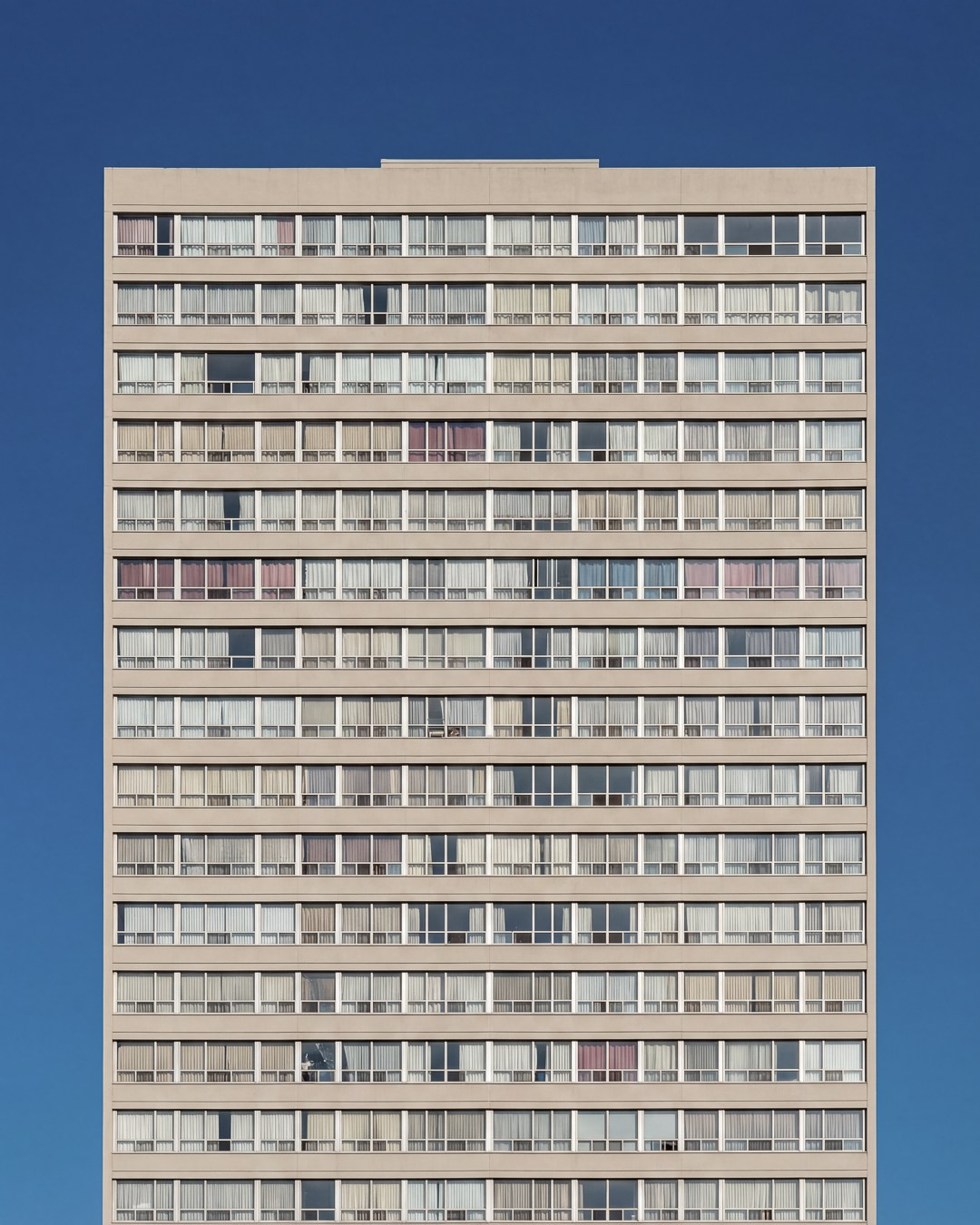
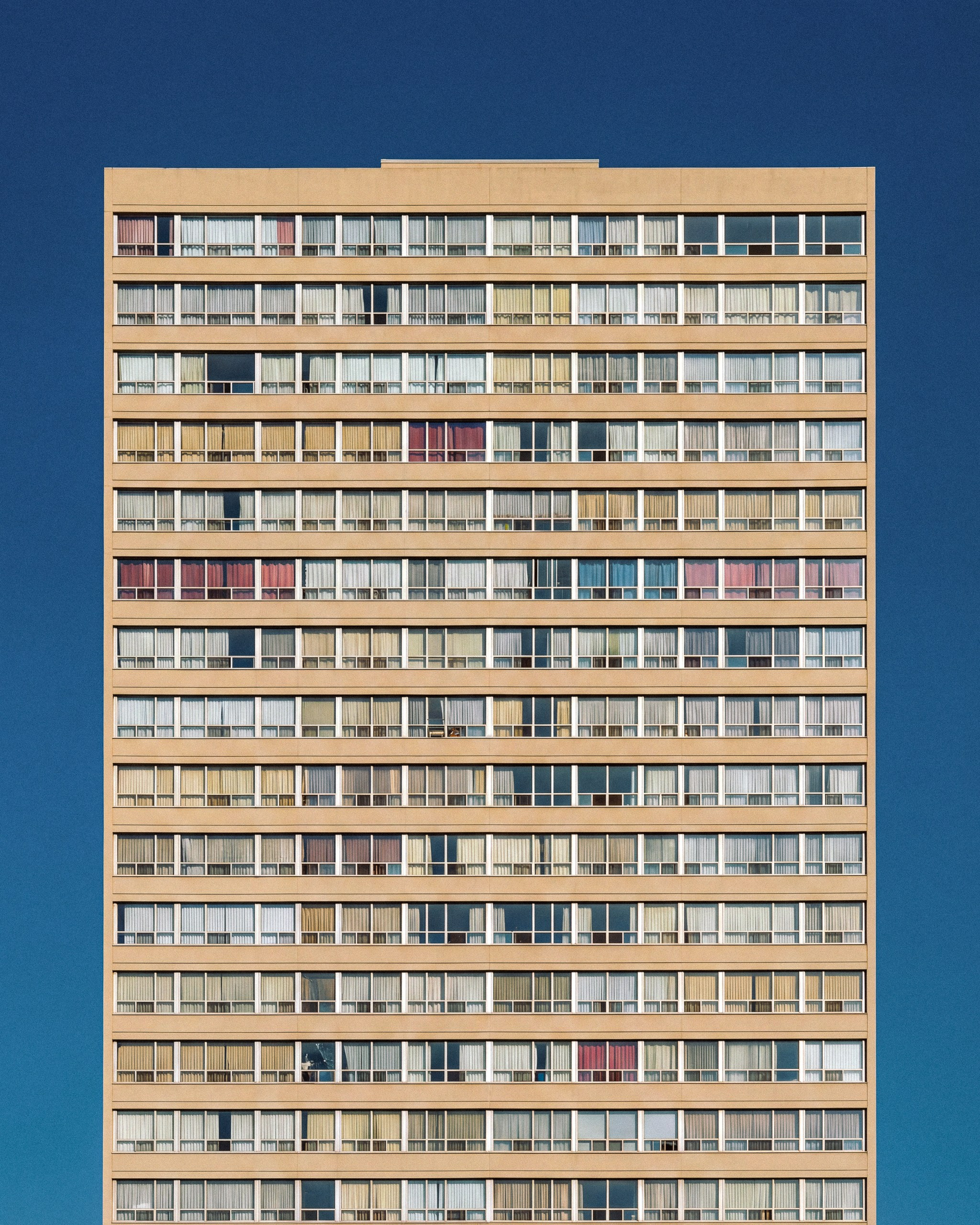
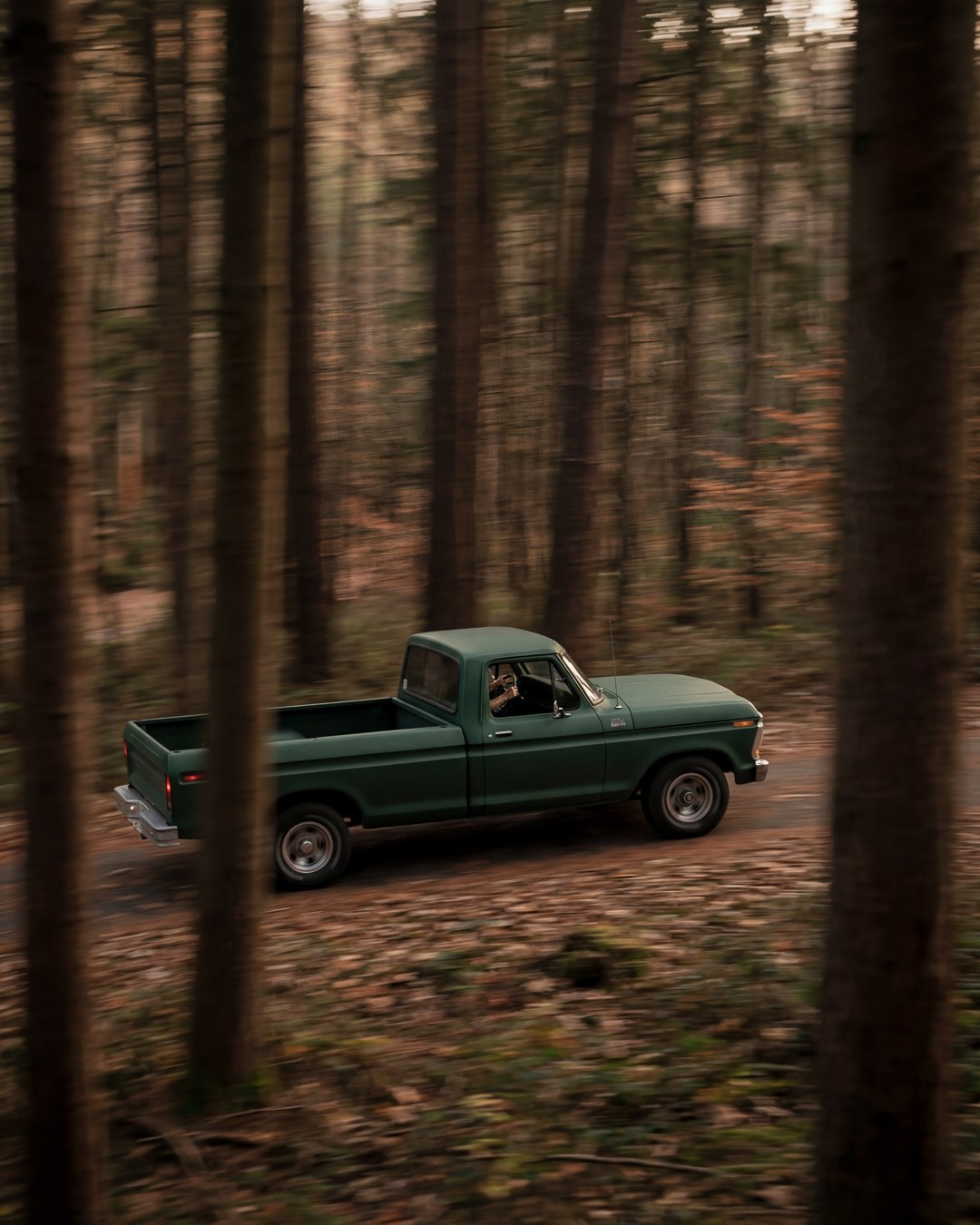
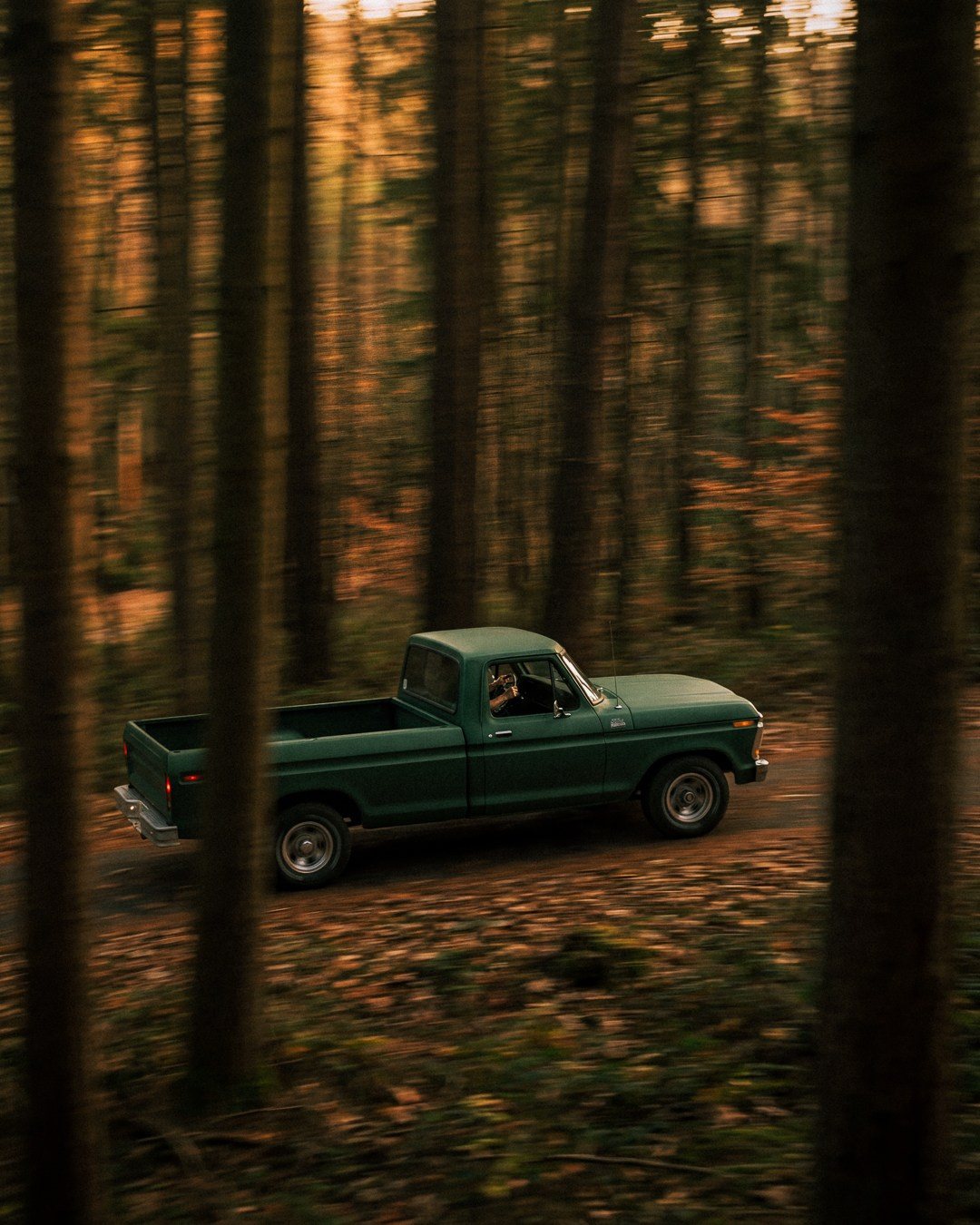
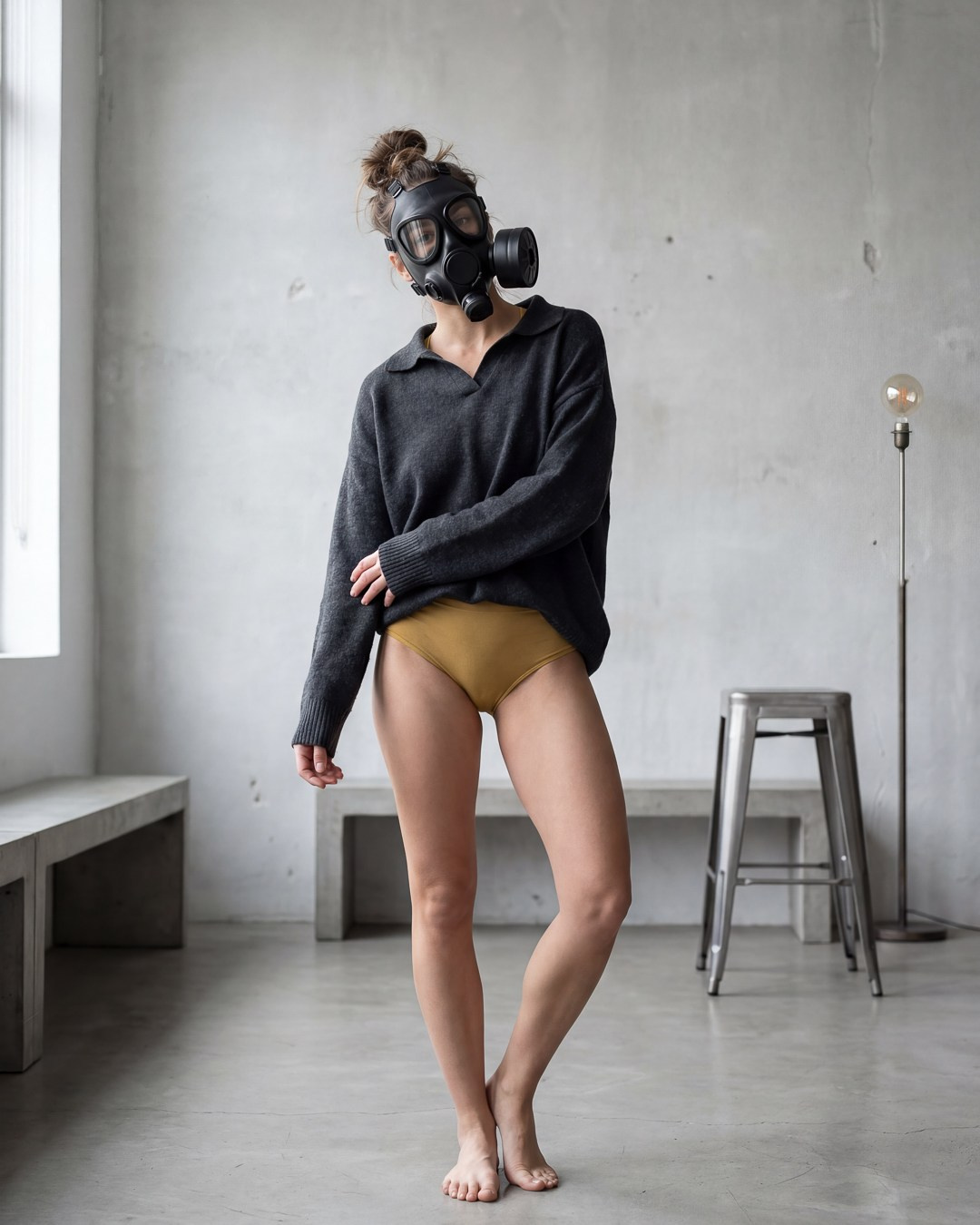
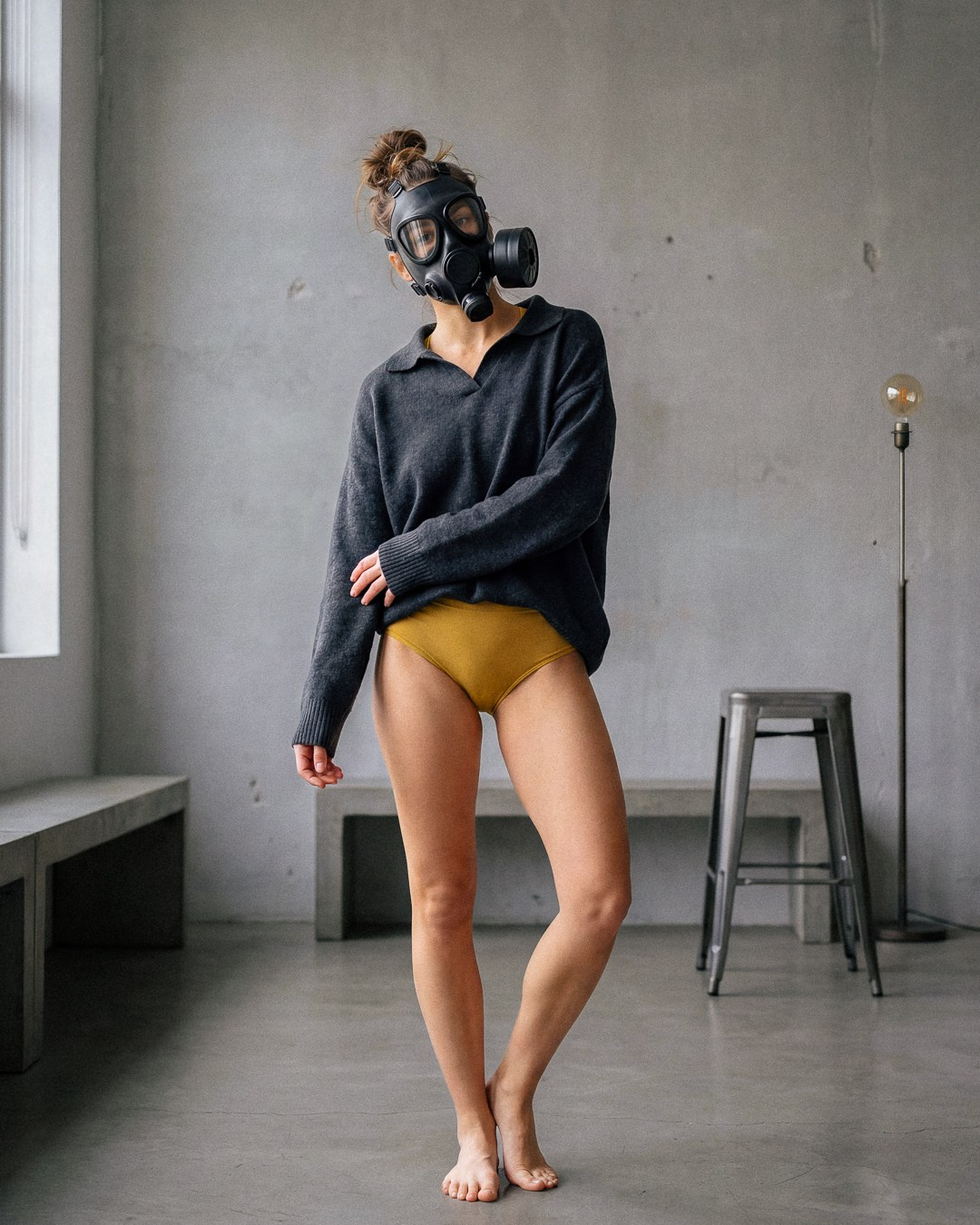
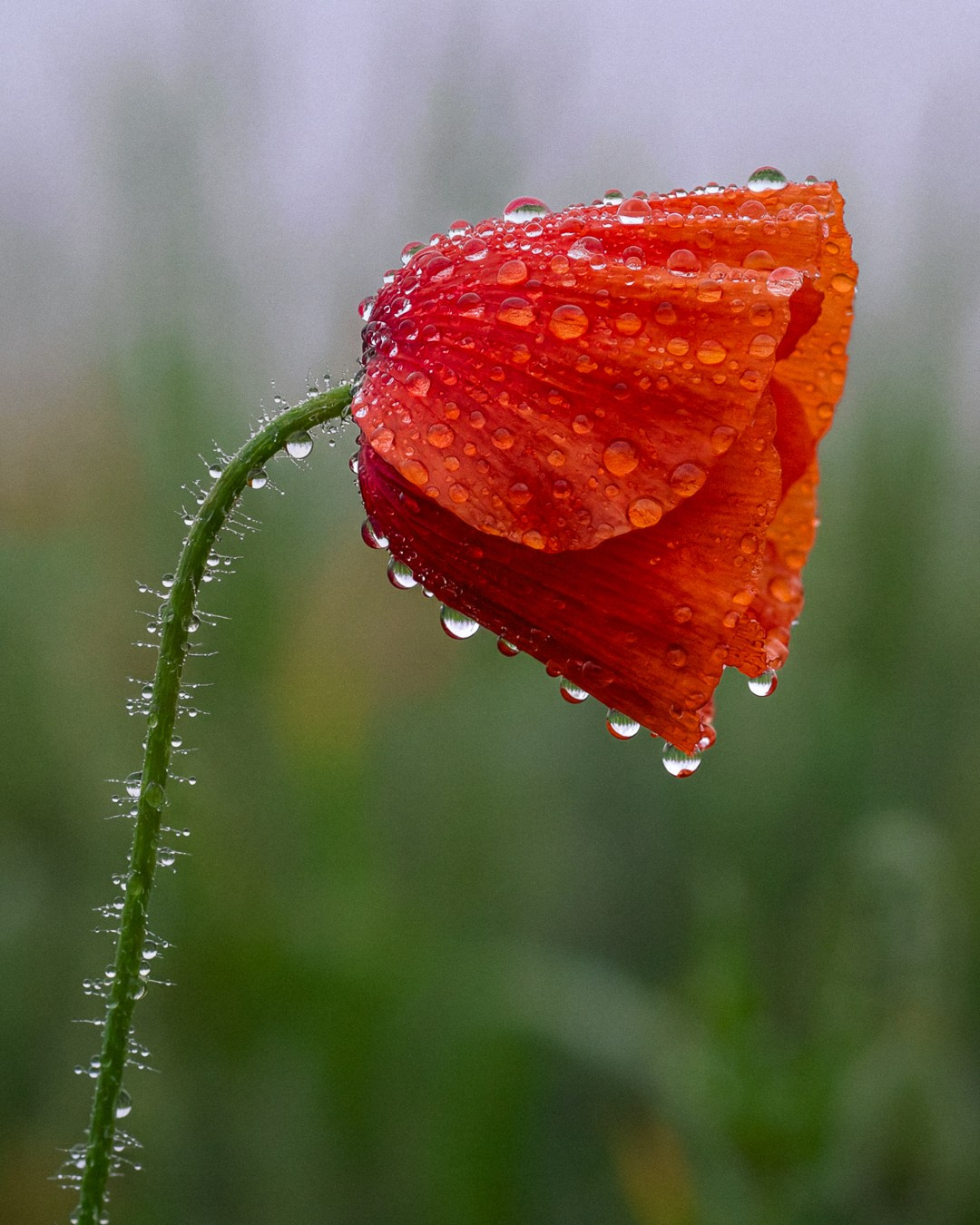
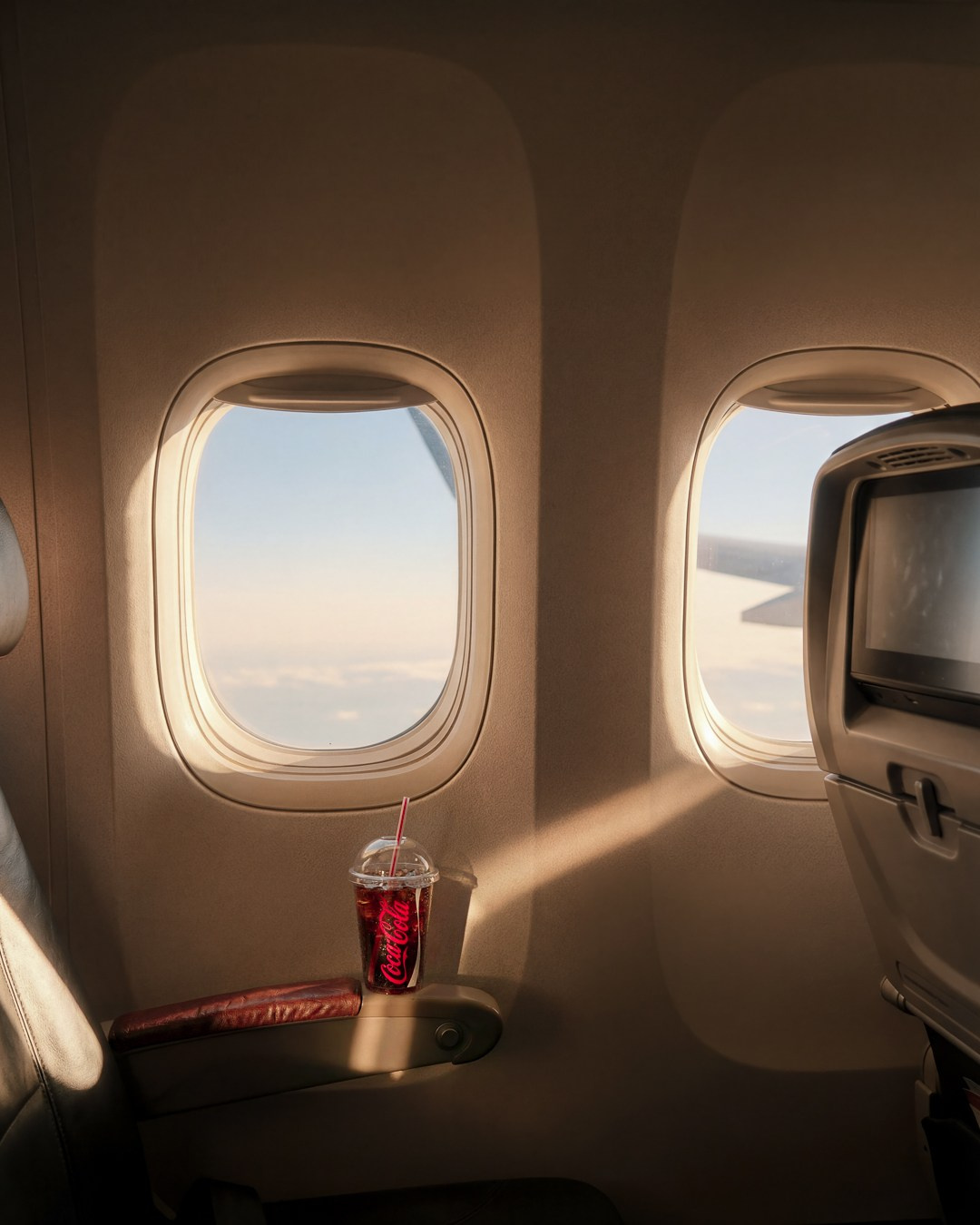
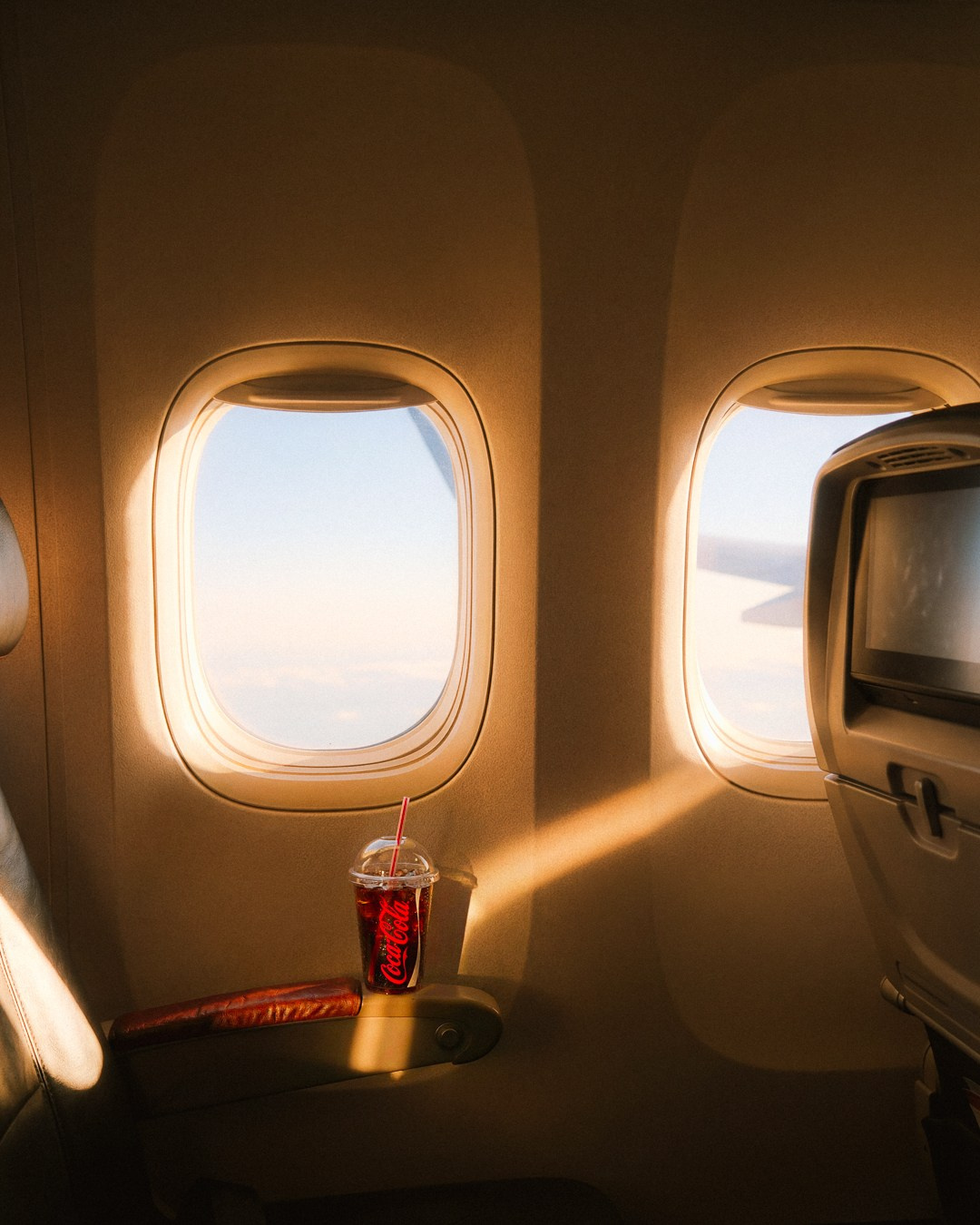
With these presets, you’ll be able to create timeless film-inspired edits like these


Presets For Every Scenario















F A Q
Answers to your questions
Happy to answer any questions about the presets!
How do I install the presets?
Lightroom Classic: in the Develop module, click + in the Presets panel and choose Import Presets. Lightroom desktop: open Edit, go to Presets, click ••• and choose Import Presets. Select the XMP preset files and you are ready to edit.
How do I use them on mobile?
Import the presets on desktop while signed in to your Adobe account and they sync to the free Lightroom mobile app. No desktop? Open a photo in the app, tap Presets, tap ••• and choose Import Presets.
How do I customise the presets?
Treat each preset as a starting point. Fix exposure and white balance first, then use the Amount slider to dial the look up or down to suit your light.
Do they work for black and white photos?
These presets are built for colour. A few looks convert nicely if you drop the saturation, but for true black and white I recommend a dedicated B&W preset.