The exposure triangle is the three settings that decide how bright a photo is: aperture (how wide the lens opens), shutter speed (how long the shutter stays open) and ISO (how much the camera brightens the signal). Change one and you change another to keep the same brightness, and each one also changes how the picture looks.
The fastest way to understand exposure is to break it on purpose. Below is a camera you can play with: move the dials, watch the street scene change, then try the four challenges. No camera needed.
Three settings, one result: brightness.
Each corner of the triangle lets in or adds light. Each one also has a side effect, and choosing the side effect you want is what makes a photo yours. The corner you move in the simulator lights up here.
Three ways to get the same brightness. Watch one setting give light and another take it back.
Each dial brings in light and changes the picture differently.
The drawings follow the simulator above.
The size of the hole
Small f-number, big opening, more light. "High" and "low" aperture confuse everyone, so think in f-numbers.
- Side effect: background blur. f/1.8 melts it, f/11 keeps everything sharp.
- Sharpest: most lenses peak at f/5.6 to f/8 and soften past f/16.
How long it stays open
Twice as long lets in twice the light.
- Side effect: motion. 1/1000 freezes a cyclist, 1/8 turns them into a streak.
- Handheld: stay faster than 1 over your focal length, so 1/50 on a 50mm lens.
How much it brightens
It brightens the picture after the light is in.
- Side effect: grain, but less than you think. Modern full-frame cameras look clean to ISO 6400 and very usable at 12800. Phones and smaller sensors get grainy a stop or two earlier.
- Use it: freely. A sharp photo at ISO 6400 beats a blurry one at ISO 400.
Everything is measured in stops.
A stop is double or half the light. Every dial moves in stops, so you can trade one for another. Open the aperture one stop and make the shutter one stop faster, and the brightness stays the same. Only the look changes. That is what the "Same exposure, different look" row in the simulator shows.
Why is my photo too dark, blurry or grainy?
The most common problems, what causes them and the fix. Tap "Show me" to load the mistake into the simulator, then fix it yourself.
| Problem | Usual cause | Fix | |
|---|---|---|---|
| Too dark | Fast shutter or small aperture for the light | Slower shutter, wider aperture or higher ISO. In A or S mode, add + compensation. | |
| Too bright, white sky | Too much light, highlights clipped | Faster shutter or lower ISO. Watch for the right edge of the histogram. | |
| Everything blurry | Hand shake at a slow shutter speed | 1/125 or faster handheld, raise ISO to get there, or use a tripod. | |
| Moving subject blurred | Shutter too slow for the movement | 1/500 for walking and cycling, 1/1000 for sport. | |
| Background not blurry | Small aperture, subject too far from the background | f/2.8 or wider, step closer to your subject, more distance behind them. | |
| Grainy | Very high ISO, or a dark photo brightened later | Open the aperture or slow the shutter first. Expose correctly in camera. | |
| Night photo dark and blurry | Low ISO forcing a long handheld shutter | Wide aperture, 1/125, ISO 6400. Modern cameras handle it. |
Which mode should you use, and where is it on your camera?
You do not have to shoot in manual. Most working photographers use aperture priority with Auto ISO and exposure compensation, because it is fast. Manual is best when the light is steady: at night, in the studio, or for a panorama.
| Mode | Canon | Sony, Nikon, Fujifilm | You set | Camera sets |
|---|---|---|---|---|
| Aperture priority | Av | A | Aperture | Shutter |
| Shutter priority | Tv | S | Shutter | Aperture |
| Manual | M | M | All three | Nothing, or ISO with Auto ISO |
| Program | P | P | Compensation | Aperture and shutter |
Blur is not only the aperture.
If you shot at f/1.8 and the background is still sharp, one of the other three things is working against you.
Your phone uses the same triangle, automatically.
I shoot a lot of my content on an iPhone 18 Pro Max, and the same rules apply. Most phones have a fixed aperture, so the phone changes shutter speed and ISO for you. The iPhone 18 Pro is the first iPhone with a variable aperture on the main camera: stopping down helps in bright light and for video, but most of the time it stays wide open.
Phones have small sensors, so the background stays mostly sharp and grain shows up earlier. Portrait mode fakes the blur in software. Try the in the simulator: only compensation is yours, like sliding the sun icon after you tap to focus.
Four shots to nail.
Each one ticks itself off when you get it right in the simulator, with the meter close to zero.
Where I start for common shots.
Starting points, not rules. Set these, take one frame, then adjust with the meter. "Load" puts them into the simulator.
| Shot | Aperture | Shutter | ISO | |
|---|---|---|---|---|
| Sunny street | f/8 | 1/500 | 100 | |
| Golden hour portrait | f/2 | 1/500 | 100 | |
| Freeze a cyclist | f/4 | 1/1000 | 400 | |
| Night street, handheld | f/2 | 1/125 | 6400 | |
| Light trails, tripod | f/2 | 1/2 | 100 | |
| Café interior | f/2 | 1/125 | 1600 | |
| Blue hour city, tripod | f/8 | 2 s | 100 |
Exposure, answered.
What is the exposure triangle?
It is the three camera settings that control exposure: aperture, shutter speed and ISO. They work together: if you make one darker, you make another brighter to keep the same exposure. Each also changes the look: aperture changes background blur, shutter speed changes motion, and ISO changes grain.
Which setting should I learn first?
Aperture. Put the camera in aperture priority (A, or Av on Canon), choose the f-number and let the camera pick the shutter speed. Once you understand blur and sharpness, move on to shutter speed, then full manual.
Is a high or low f-number better?
Neither is better. Low numbers such as f/1.4 to f/2.8 mean a big opening, more light and a blurry background. High numbers such as f/8 to f/16 mean a small opening, less light and more of the scene in focus. People say "high aperture" for both, so stick to the f-number.
Why are my photos dark when the meter says zero?
The meter assumes the scene is middle grey. Snow, white walls and bright skies fool it into underexposing, so dial in +1 to +2 exposure compensation. Very dark scenes do the opposite and need −1.
What shutter speed avoids blur when shooting handheld?
Use 1 over the focal length as a minimum: 1/50 on a 50mm lens, 1/200 on a 200mm lens. Stabilisation gives you a few more stops for still subjects, but it cannot freeze a moving person: for people walking use 1/250 or faster.
Why isn't my background blurry at f/1.8?
Aperture is only one part of it. Get closer to your subject, put more distance between your subject and the background, and use a longer lens. f/1.8 from far away still looks quite sharp.
What is the sharpest aperture?
Most lenses are sharpest two to three stops down from wide open, usually around f/5.6 to f/8. Past f/16, diffraction makes the whole image slightly softer, so only go there when you need the depth of field.
Is high ISO bad, and what ISO should I use at night?
Not on a modern camera. Most current full-frame bodies are clean up to ISO 6400 and still very usable at 12800. At night, keep the shutter fast enough to stop shake and raise ISO to match. Underexposing and brightening later adds more noise than simply using a higher ISO.
Should I use Auto ISO?
Yes, in most situations. Set the aperture, set a minimum shutter speed such as 1/125, and let the camera choose ISO. It is how most street, travel and event photographers shoot.
How do I read a histogram?
It is a graph of the brightness in your photo, dark tones on the left and bright tones on the right. A spike against the right edge means highlights are clipped and lost. A spike against the left edge means shadows are pure black. It does not need to be a perfect bell shape.
Should I shoot RAW or JPEG?
RAW if you edit. It keeps far more highlight and shadow detail, so a stop of exposure mistake is easy to fix in Lightroom. JPEG is fine when you only need to share quickly.
What shutter speed should I use for video?
Double your frame rate: 1/50 for 25 fps, 1/60 for 30 fps and 1/125 for 60 fps. That gives natural motion blur. In bright light you need an ND filter to keep that shutter speed without overexposing.
Can I change the aperture on an iPhone?
On most phones, no: the aperture is fixed and the phone changes shutter speed and ISO for you. The iPhone 18 Pro has a variable aperture on its main camera. You can still control brightness on any phone by tapping to focus and sliding the exposure up or down.
Put it into practice.
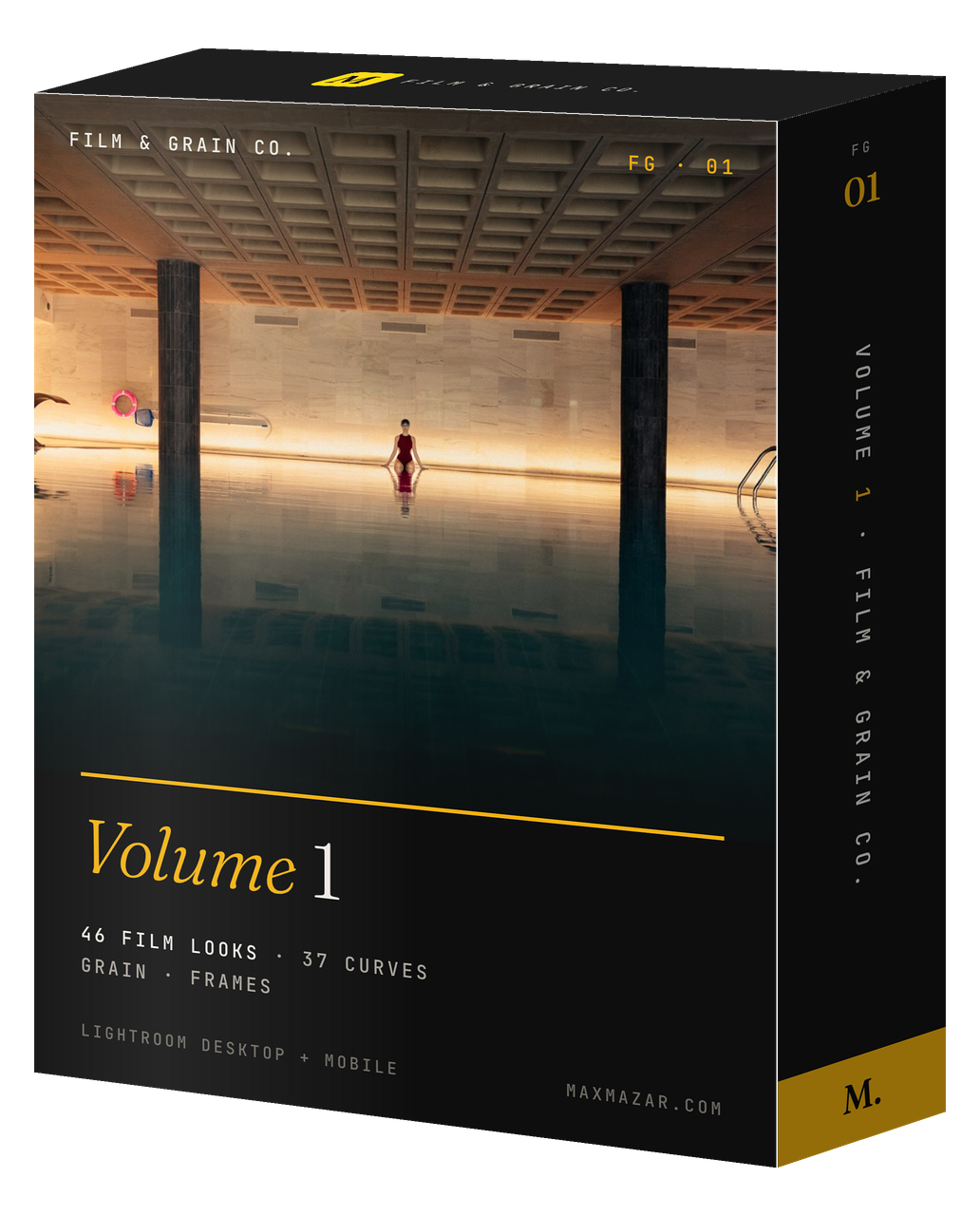
Nailed the exposure? Now give it the look.
Shoot RAW, expose well, then finish it in Lightroom. 46 film looks for desktop and mobile, built from the photos I take around the world.

33 surprising things people built with Claude

My travel photography gear: what's in my bag

10 travel movies that make you want to pack a bag

20 famous photographs that changed photography